
Has your laptop gotten so sluggish that even penning your next 1,000 words feels like an exercise in pulling teeth? Or, are you considering buying a laptop for the first time? After all, they’re a great way to add a tremendous amount of versatility to your workflow.
With a laptop, you can write virtually anywhere, from your balcony to your bedroom, and that’s not to mention the ability to write on the go. Imagine relaxing under the shade of a great oak tree, using the clouds as inspiration, or heading to your local cafe to work amidst the noise, or writing from your hotel room while on a trip—the options are almost limitless.
As a writer, you have a lot to consider when weighing your next purchase, and if you’re planning to buy your first laptop, these variables are great to keep in mind: battery life, weight, durability, speed, and, of course, cost. To find the best possible laptop for your writing needs, you’ll need to balance all this and more.
To help narrow your search, we’ve gathered up the 10 best laptops for writers in 2025. While laptops don’t change much on a yearly basis, there’s always new and faster technology coming out—and if you haven’t shopped for a laptop in a while, then there’s a lot that will be new to you.
So, with all that in mind, let’s dive in.
The best laptops for writers in 2025
1. HP Pavilion — best overall
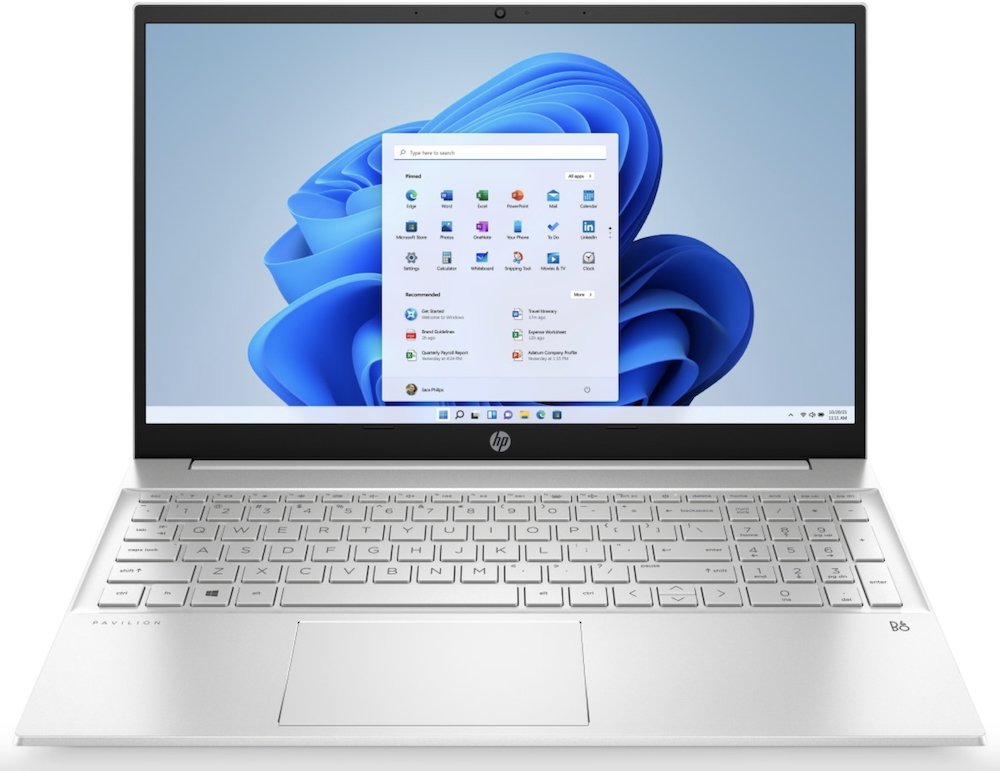
For our overall best pick, we wanted a laptop that hit many of our targets, but not one that would go all out. That’s why we went with this 2022 HP Pavilion, since—as a writer—you won’t necessarily need to go all-out with performance and features. Buying a laptop that’s a gen or two older than the current models can be a great way to still have plenty of performance while also having a few hundred dollars.
Make no mistake: this business laptop is great for writers. It’s fast without being “gaming” fast. With its 12th-generation Intel chip, it has all the performance you need, and besides, this gen was so great for Intel that the company basically copied it for the 13th and 14th series, keeping similar specs while making them slightly faster.
You can feel free running Word (or Google Docs), a browser, Spotify for music, Discord for chatting with your friends, Slack for work—basically whatever lightweight programs you would typically want to run, all with snappy responsiveness. The laptop also features some pretty decent battery life, with somewhere in the range of 10 hours if all you’re doing is writing—less if you’re doing more intensive tasks.
What this laptop does lack, however, is a dedicated GPU, so don’t expect to play the latest and great games on the HP Pavilion. The Intel Iris Xe integrated GPU isn’t built for those types of tasks, but you should be able to handle some more lightweight, 2D games, for a bit of relaxation between writing sessions if that’s your thing.
While we’ve focused on one of the older (therefore cheaper) HP Pavilions, this laptop line has maintained its quality, so if you want to shell out a little more for a more recent model, you’ll find something slightly faster with a few more modern bells and whistles.
2. Apple MacBook Air (M2) — best MacOS
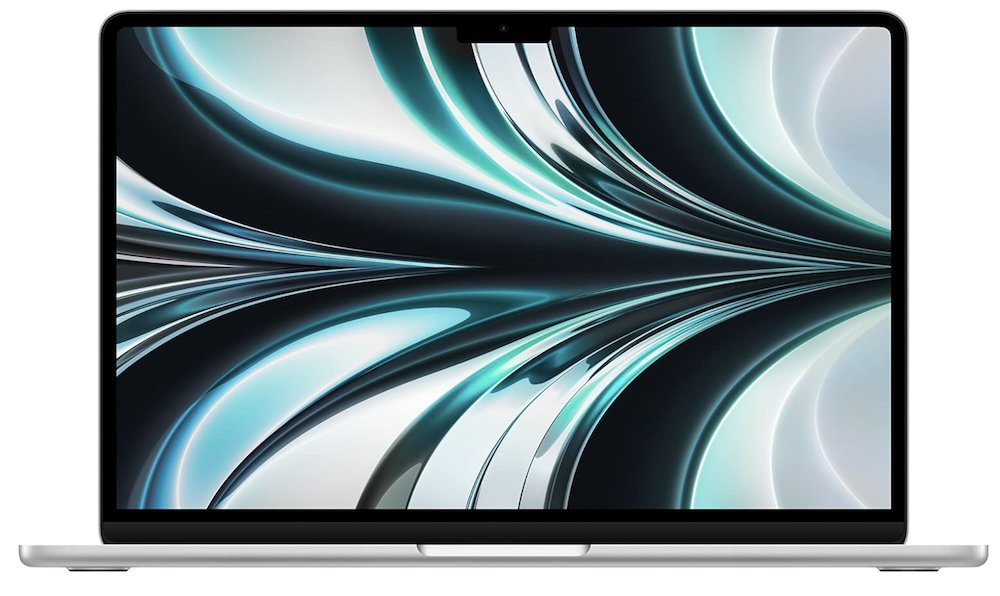
Understandably, there are Mac fans, and there are PC vans, and there is very little overlap between the two. So, to that end, consider this the best overall laptop for those who would never use a Windows-based PC.
The MacBook Air is easily the best Apple laptop for writers, especially the 2022 model, with its M2 chip. While this SoC (system on a chip) isn’t quite as good as the M3 chip (or the M4 chip—those laptops will be out soon), you probably won’t notice a huge difference as a writer—something we touched on in the previous entry, too.
Battery life is great, too, so if you’re out and about, and looking to write on the go, then the Air will do you just fine—just make sure to lower the brightness to get the most out of your battery. Another nice benefit of Apple laptops are the color choices. Most other laptops on this list are some variant of silver or black, but the air comes in four choices: Silver, Space Gray, Midnight, and Starlight.
Any writer looking specifically for an Apple laptop need look no further than the MacBook Air.
3. Lenovo IdeaPad Slim 3 — best cheap laptop
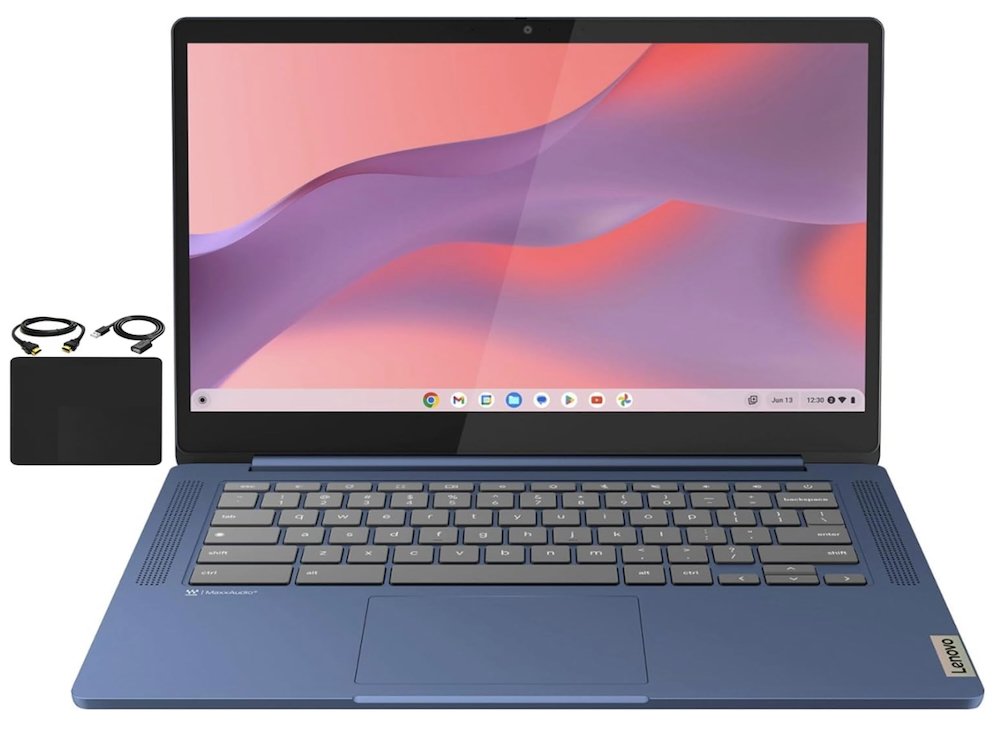
While having the fastest, most responsive, most powerful laptop feels great, as a writer, you can squeeze by quite easily with something that doesn’t have all those expensive bells and whistles. All you really lose is some multitasking capacity and responsiveness, but if all you need to do is run a word processor, why spend $1000 or more?
So, if you’re looking for a new laptop and need one for cheap, then consider something like the Lenovo IdeaPad Slim 3. This Chromebook uses Google’s lightweight OS to provide a pretty punchy little machine despite its weaker hardware.
The good news is that at the heart of this laptop is the 8-Core MediaTek Kompanio 520, a CPU specifically designed to power Chromebooks, so while you won’t be performing too many intensive tasks with a chip like this, it’ll easily tackle all your word-processing needs.
If you’re a bit concerned about how a ChromeOS laptop compares to a Windows one, naturally, it’s great if your weapon of choice while writing is Google Docs. However, fear not, because you can use Microsoft Office apps online with ease, as well, and you can also download the Android version of Word through the Play Store.
However, with this laptop’s low specs, don’t expect to be doing much with it other than writing, but if you’re looking for a budget-friendly option for just that—you can’t go wrong with the IdeaPad Slim 3.
4. ASUS Vivobook Go — best on a budget
The great thing about laptops, or computers in general, is that there’s an option out there for just about any budget, no matter whether you’re a creator who needs 128 GB of RAM, a gamer who needs the latest and greatest GPU, or a writer who needs an all-arounder.
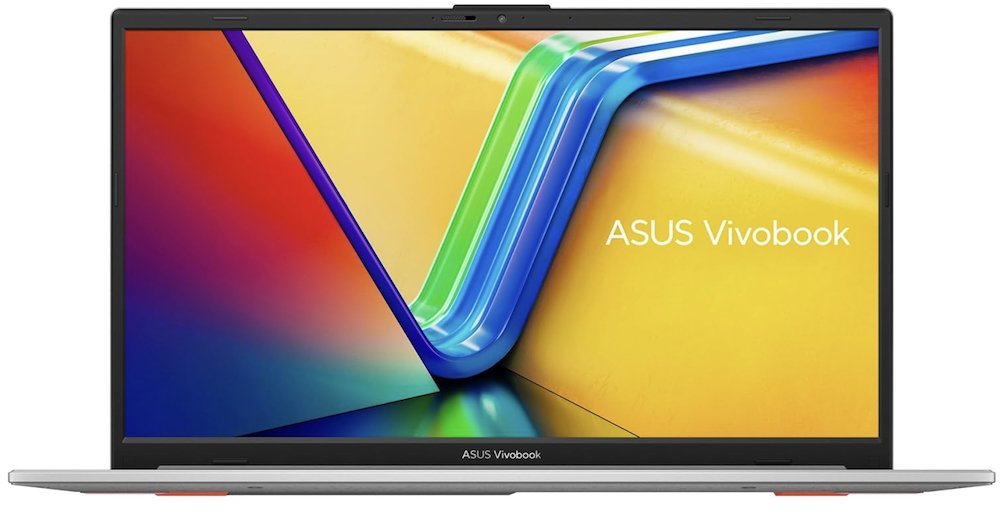
For writers who are not looking to spend the bare minimum, but are also not looking to spend too much, a low-end laptop like the ASUS Vivobook Go is a great option. It’s got a nice wide, 15.6-inch screen, a modern CPU, a decent amount of ram, and all that for just a few hundred dollars.
At this cost, though, there are a few drawbacks. The keyboard isn’t backlit, which aesthetics aside, might not matter much for writers, as most of us are touch-typers and typically don’t look at our keyboards too much. However, if you’re dead set on having a lit keyboard, other and better options exist.
The screen also maxes out at 250 nit brightness, which will be fine in most circumstances, but you might have some trouble when using the laptop outside in direct sunlight. But indoors, it should be more than fine.
The CPU, AMD Ryzen 5 7520U, is low-end, but that also makes it really efficient for battery use, meaning you will be able to get some good life out of this laptop before needing to recharge it. On top of that, it charges pretty fast, too.
Overall, this ASUS Vivobook Go will be noticeably faster than our cheapest option, but it won’t set blazing speed records. However, it’ll be perfectly suited for any writer out there needing an affordable option.
5. Acer Nitro 5 — best midrange
So, you are looking to spend more than the bare minimum on a laptop, but your coffers aren’t limitless. As we mentioned earlier, the best way to save a bit of money on a decently powerful laptop is to buy one that’s a little dated, especially since computer hardware doesn’t evolve much on a year-to-year basis.
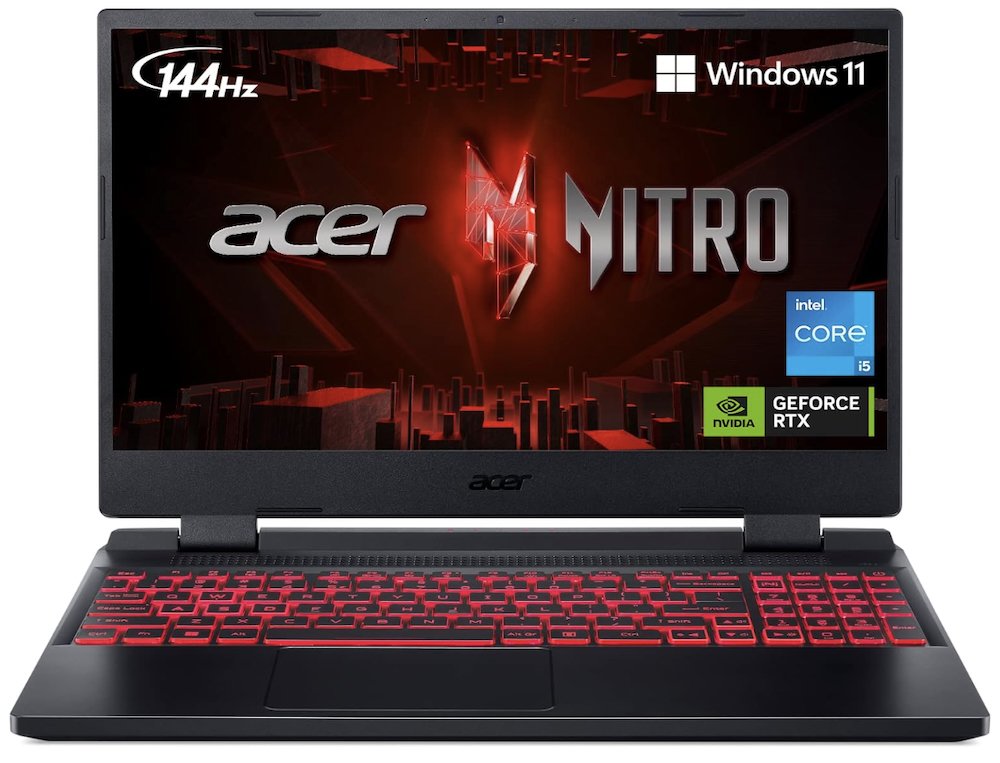
This fact alone is great for writers: dig around a little, and you’ll find a decently priced laptop that will more than serve your needs, while also having enough gas in the tank for some light gaming on the side if it behooves you. That’s where laptops like the Acer Nitro 5 come in.
The Intel Core i5-12500H is still a great CPU, even after a few years, and can still stand toe to toe with a lot of CPUs made much more recently. The 3050ti is a great little GPU, but it was never blistering fast. Chances are, however, you’re not buying this laptop to do any heavy gaming. And even if you are, you can lower settings and still have a great experience.
Perhaps the only drawback of this laptop is that the battery life is a little on the shorter side, and while it will undoubtedly be longer if all you’re doing is writing, it might be a good idea to keep a power bank wall socket handy. For the cost, though, that’s a small annoyance to deal with.
6. Acer Swift Go 14 — best portability
Laptops are, by definition, portable, but there’s a big difference between a thin, lightweight laptop and an expensive, heavyweight one. Oftentimes, it’s nice to have a slim device that you can tuck away into just about any backpack or laptop bag without worrying about its size or how much it weighs.
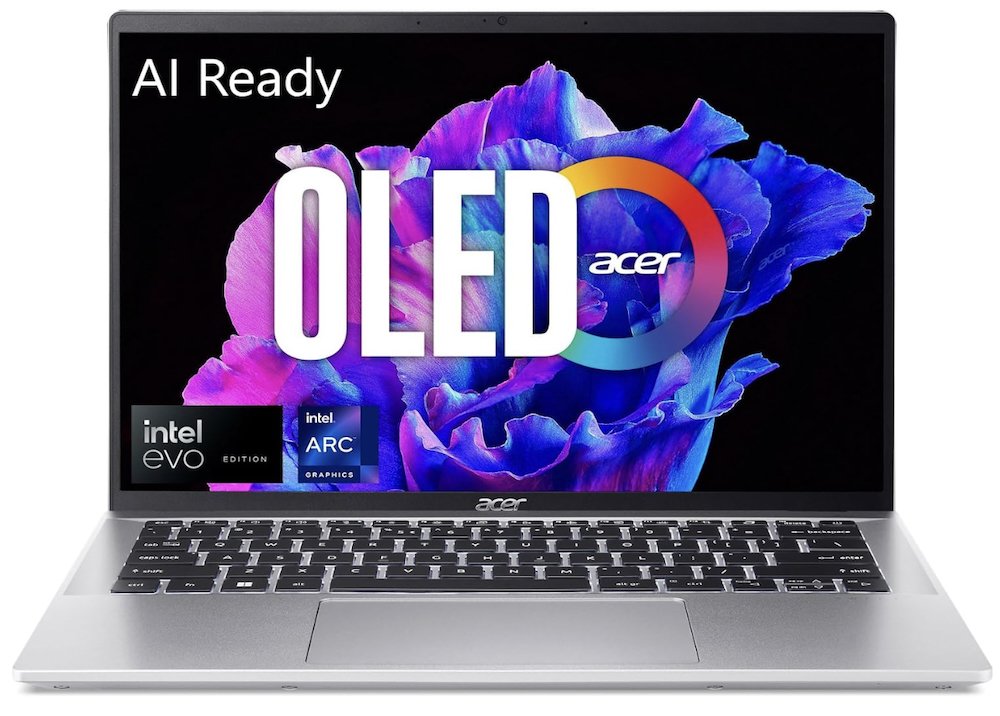
At just over half an inch thick and just under three pounds, the Acer Swift Go 14 is easily one of the most lightweight and most portable laptops out there. You could even spend slightly more on the 16-inch screen, and it would only be slightly heavier.
Better yet, the specs of this 2024 model are no slough, but yet again, it lacks a dedicated GPU, so don’t expect to do much gaming on it. However, the Intel Core Ultra CPU will wipe the floor with the needs of a writer and their laptop, and—since this is the latest generation of Intel CPUs—it’s AI-ready, which should afford it a little future-proofing for things to come.
With the 2024 Swift Go’s 90hz OLED screen, everything will look great, even Microsoft Word, but more notably, videos and images. The aluminum chassis also helps to ensure that though this laptop is thin and portable, it’s also durable, so you won’t have to worry much about breaking it.
7. Microsoft Surface Pro 9 — best for silence/2-in-1
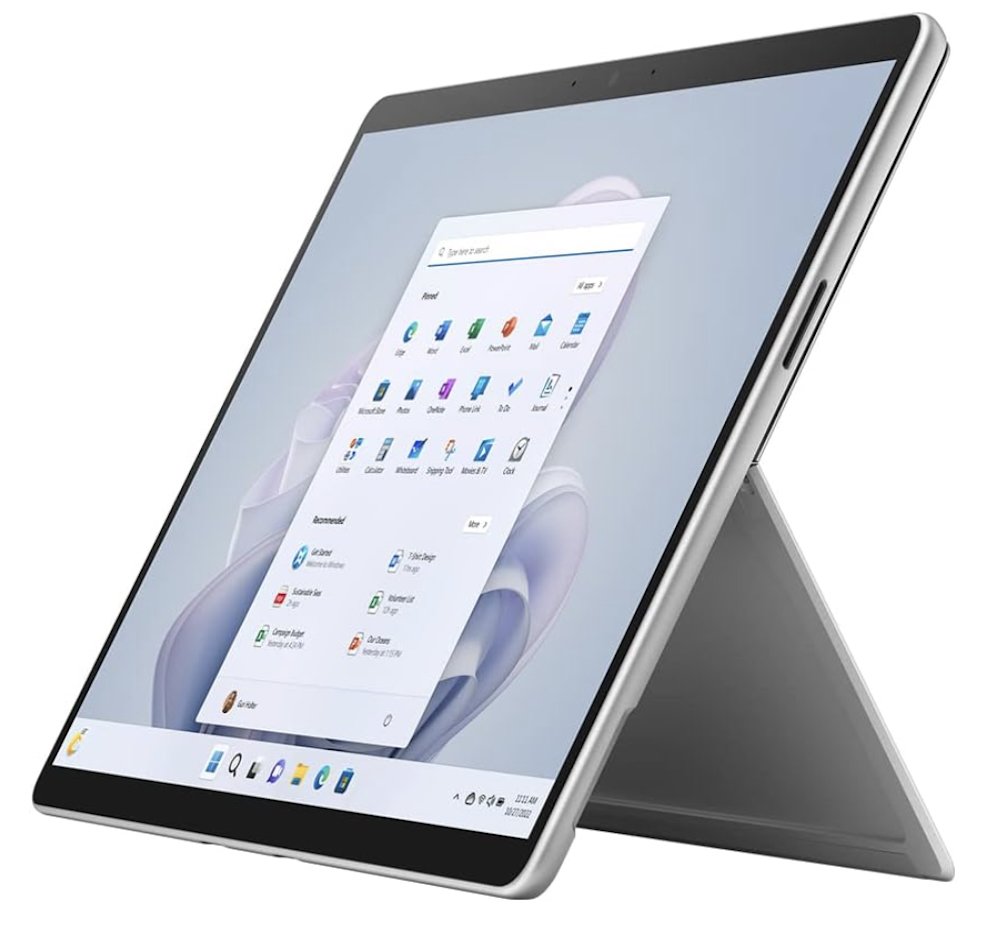
Though it might be cheating—because the Surface Pro X is technically a tablet—it doesn’t get any quieter than this Microsoft device. Although, as a writing device, we’d highly recommend picking up the keyboard accessory or any other Bluetooth keyboard.
Once you do that, though, this large tablet is as good as any laptop, and if you need to use a computer at a place where silence is golden, it won’t get much quieter than this, and while the Surface Laptop itself is great, the Pro is just a smidgen quieter. But if you want a Microsoft device and aren’t too concerned with noise—or the benefits of having a tablet—then the laptop model is great, too.
The 2022 model, the Surface Pro 9, is the all-around best deal, partly because it’s dropped in price some, but mostly because the newly released model (the Pro 11) uses a Snapdragon chip, like what’s found in phones. While there is a Pro 10, which came out during the spring of 2024, it’s probably a good idea to skip that one, since it’s focused on business ventures, and the 11 is all-around better.
Granted, better is a tricky word, as the Pro 11 uses the aforementioned smartphone hardware. Performance aside, the architecture of these chips is quite different from the Intel/AMD hardware that we’re used to seeing. In simple terms, many programs that you would run on typical Windows laptops are not quite sure what to do with a chip of a different architecture.
This will be fine once developers iron out issues, but seeing as the Pro 11 only recently launched, there are sure to be some bumps on the road. Office apps like Word will work just fine, since Microsoft made it all: the laptop, Windows, the programs themselves. But mileage may vary with other apps.
Not only that, but performance-wise, you won’t be able to do much other than write, seeing as they are both weaker systems. However, considering how quiet and slim the Pro 9 is, it’s probably one of the most versatile options on our list.
8. Lenovo ThinkPad E16 — best keyboard/feel
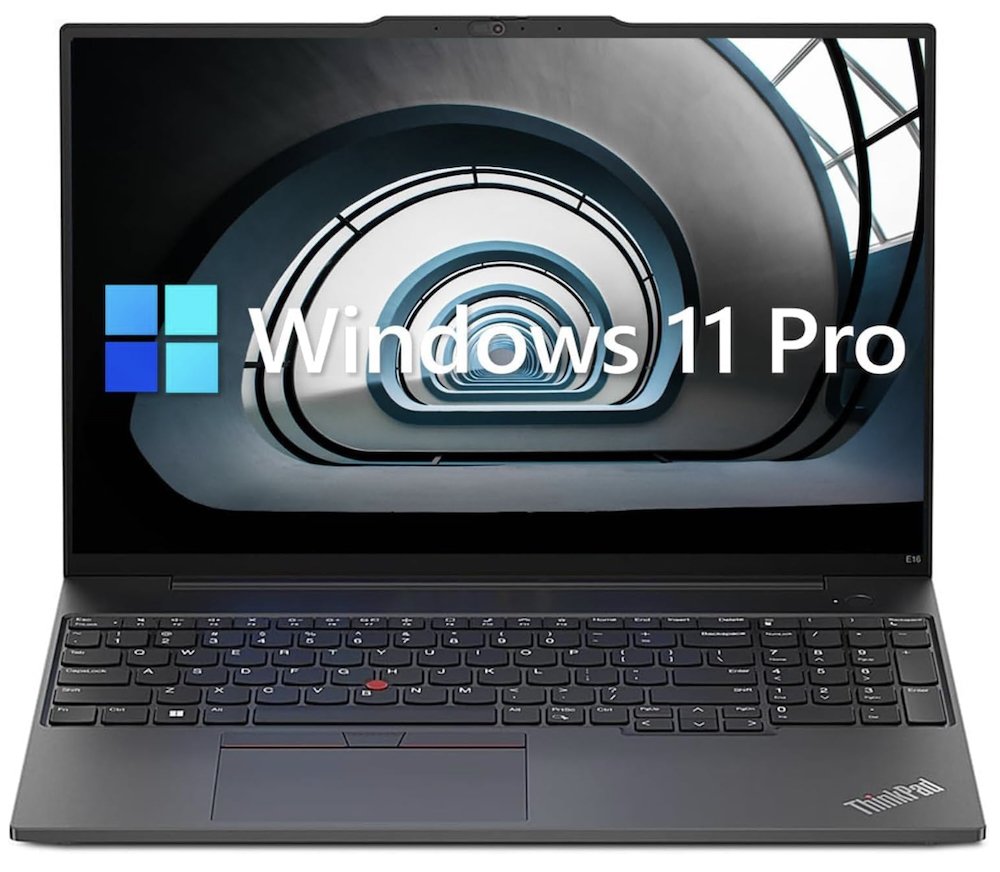
“Feel” is naturally a subjective term. Every writer and their hands have a different preference, but if you’re going to be writing hundreds of thousands of words, it helps to do it on a laptop that feels good to use, and this sense of feel comes down to the keyboard.
The better the keyboard, the better the laptop will feel when writing on it. Granted, there are some really nice laptops with mechanical keyboards—and those feel great to write on—the downside is that those laptops are all the most expensive gaming ones. Chances are, you’re looking for a little middle ground.
The Lenovo ThinkPad E16 is about the perfect amount of middle ground, and it won’t even cost you an arm and a leg, which is great, since you’re gonna need that arm for writing—although, as a writer, you could stand to lose a leg, not that we’d recommend that either.
Outside of the satisfying keyboard, which feels about as good as you can hope to find outside of an expensive mechanical one, the ThinkPad also has a wide, 16-inch display—which is especially nice given the price. The bigger the screen, the less squinting or zooming you’ll have to do while writing.
While coincidentally, we’ve featured a lot of Intel CPUs on this list, AMD is doing great work right now, too, as is readily apparent with the Ryzen 5 7530U. Through the years, Intel and AMD have vied for CPU dominance, with no clear winner—but with certain companies pulling ahead in different generations. Right now, however, the two are basically neck-and-neck, and this laptop is capable of handling everything a writer will need.
9. Samsung Galaxy Book4 Pro — best screen
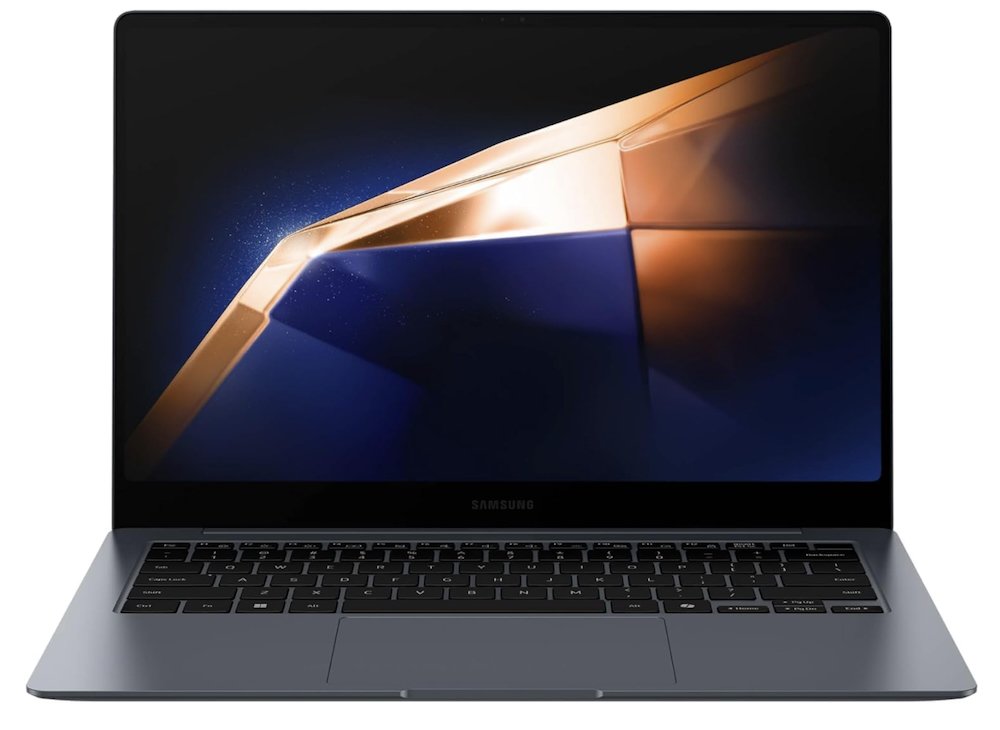
While the screen isn’t the most important aspect of a laptop for writers, a great one can still make a world of difference. For starters, they look great, so even your word processor will be crisp and vivid while you work, not to mention any images or videos you view. On top of that, a higher refresh rate, such as the 120hz found in the Book4 Pro, will be a little easier on the eyes for extended viewing periods.
Where good screens are concerned, virtually nobody is better than Samsung, which has been leading the development and refinement of OLED and AMOLED screens for the better part of a decade now, notably in the company’s line of smartphones. So naturally, the Samsung Galaxy Book4 Pro is the one laptop to get if you’re looking specifically for the best display possible.
The AMOLED screen in the Book4 Pro is also a touchscreen, so if you’re the type of writer who likes to mark things up by hand, or leave notes in margins, this laptop can help facilitate you. Simply put, if you’re in the market for the best-looking and most versatile display in a laptop, Samsung’s Galaxy Book4 Pro is hard to beat.
The CPU, an Intel Core Ultra 7 processor 155H, is also a modern, powerful beast. The downside is that it’ll drain battery power rather quickly under full load. The good news is that, as a writer, you probably won’t be pushing this CPU to its limits too often, so you can probably expect upwards of eight hours of battery life. This laptop also has plenty of RAM, with 16GB, and the 2 TB SSD is probably all the storage you’ll ever need.
So, while we chose this Samsung laptop for its fantastic screen, its specs are also up-to-par for writing or a variety of other tasks.
10. Alienware M18 R2 (with Cherry Keys) — best for unlimited budgets
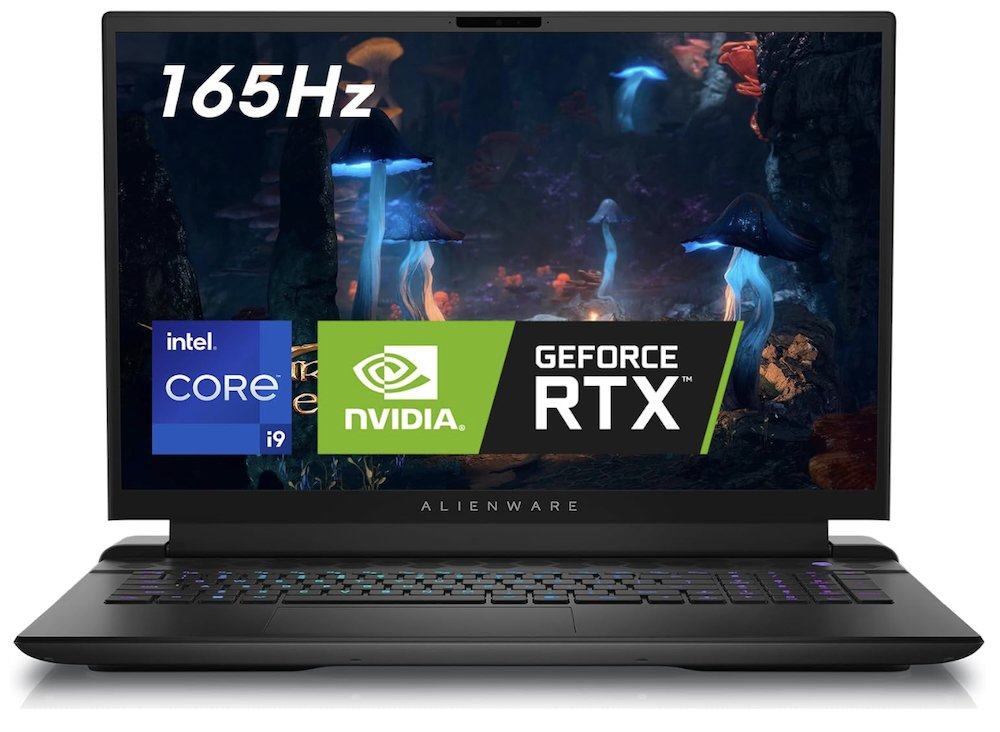
If you have no qualms about leaving a hefty scar on your bank account, then you won’t be disappointed by this 18-inch behemoth from Alienware (which is owned by Dell now). Thanks to its hefty gaming specs, the laptop won’t even break a sweat running multiple instances of simple applications like Microsoft Word, or dozens of browser tabs.
Granted, you’d be remiss if writing was all you did on a laptop of this magnitude—talk about overkill. With the best currently available 14th gen Intel i9 CPU and 4090 GPU from Nvidia, you’ll be doing just about everything imaginable on this laptop—and in style. Not only will you be able to play all the modern games, but you can also use this laptop for a host of other work endeavors, from 3D modeling to video editing.
The 165hz screen and keyboard are both great. In fact, this laptop is one of the few that features a mechanical keyboard. If you’ve ever used one of those while sitting at a desktop, you can undoubtedly attest to how satisfying they are to type on, perfect for a writer. This variant of the Alienware M18 R2 features Cherry MX keys, some of the clickiest and most satisfying out there. You probably won’t find a better laptop to type on.
It’s just unfortunate that cheaper laptops don’t also have mechanical keyboards, as they are typically only found on the most expensive gaming laptops. You could buy a separate (also expensive) mechanical keyboard and carry it around with you while using a different laptop. But of course, portability is the name of the game, so that’s just complicating things.
At the end of the day, if you’re looking for a laptop with perhaps the best writing experience, ones with mechanical keyboards like the Alienware M18 R2 are hard to beat. It’s just an added bonus that you can play just about any game.
Choosing the right laptop as a writer
For the unfamiliar—and sometimes even for the familiar—shopping for a new laptop can be overwhelming, regardless of whether you’re a writer or anyone else. They can cost anywhere between a few hundred dollars and a few thousand, so naturally, you’ll want to shop around a bit and decide what the right laptop is for you personally.
However, there are a few key things to remember when shopping for the device you’ll use to write the next best-selling novel. For starters, the keyboard—while most laptops these days don’t have bad keyboards, it can be great to feel a great one at your fingertips, so we picked out the laptops with the best typing experience.
Next up, of course, is performance. While you can easily scrape by with a low-performance laptop—one of the budget options above—performance can vary a lot depending on personal preference. The more power your laptop has, the more responsive it will be, and the more quickly programs will load.
While virtually all these laptops we’ve chosen have quick CPUs, relatively speaking, not all have dedicated GPUs. Instead, they use GPUs integrated into the CPU, which are significantly less powerful than a dedicated GPU. That’s fine, because, as a writer, you typically don’t need one.
GPUs are primarily there for gaming and some work-related activities. So, if you’re not a gamer, then chances are, you don’t need to worry about having a dedicated component in your laptop that’s specialized for that. However, if you’re a 3D modeler or video editor, GPUs can help a lot in those workloads. We don’t imagine there are many of those out there who are also writers, but there’s certainly some overlap.
For a lot of people, though, the best laptop for them personally will come down to purely cost, which is why we tried to cover a lot of bases in this article, from those out there with very limited budgets to no budget at all. With any luck, we’ve closed in on the next laptop for you.